


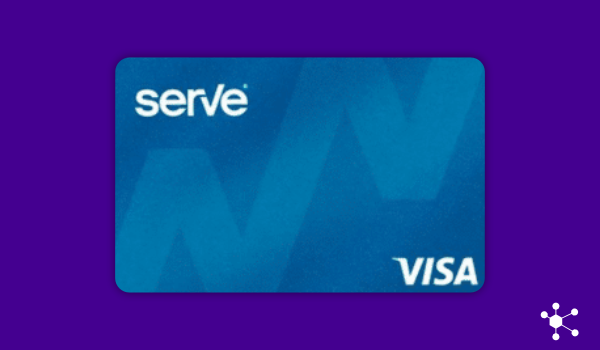
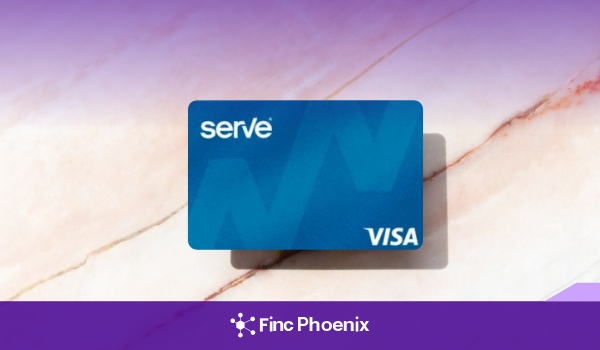
Tired of monthly fees draining your balance even when you barely use your card? The Serve Pay As You Go prepaid card is built for those who value freedom and control. It lets you hold, load, and use funds only when you choose — you’re not locked into recurring charges.
This type of card gives you the ability to manage everyday expenses without surprises. For people who want a low-commitment way to spend, budget, or even avoid credit checks, this could be the simpler, more honest alternative.
Your Flexible Spending Ally
Positives of the Serve Pay As You Go
1. No Monthly or Maintenance Fee
One of the main perks is that you won’t be charged a fee just for having the card. If you don’t use it, the card won’t cost you anything simply for holding it. This is a big relief for people who only need occasional access to prepaid spending or want to avoid hidden ongoing costs.
2. Pay Only When You Make a Purchase
You incur a small fee only when you use the card for a purchase. If the card sits idle, you pay nothing. This usage-based fee model makes costs transparent. You always know what you’re paying for — actual usage — which helps with budgeting.
3. No Credit Check Required
Serve doesn’t pull your credit score or report when you apply for the Pay As You Go card. This opens the door for those with thin credit files, past credit issues, or those just wanting to avoid credit inquiries.
4. No Minimum Balance Requirement
You don’t have to keep a minimum amount loaded. Your balance can be zero, and you won’t face penalties because of that. This lowers the barrier to entry: small users, occasional users, or those experimenting with prepaid cards benefit.
5. Accepted Where Visa is Accepted
Because it’s a Visa prepaid card, you can use it almost anywhere Visa cards are accepted—online, in stores, etc. That makes it much more versatile than store cards or some limited-use prepaid cards.
6. Mobile App & Digital Management
You get access to an app or digital interface to load funds, check your balance, track transactions, and manage your spending on the go. This level of control helps avoid surprises and makes it easier to see where your money’s going.
7. Flexibility in Adding Funds
You can reload money via bank transfers, direct deposit, or other accepted funding sources. You are not tied to one channel. It means you can keep the card active on your own schedule without needing large up-front loads.
8. Transparency of Fees
Serve is open about its fee structure: what you pay, when you pay, and what triggers a fee. The “only when you spend” rule is central. This helps avoid hidden costs and builds trust that your money isn’t being eaten by unclear charges.
9. Useful For Budgeting and Occasional Use
Because you control when you pay fees, this card is great for those who want to spend within limits, for gifting, or for occasional online purchases without exposing a bank or credit account. It also works for people who want an alternative to credit cards for small purchases without risking overdraft or credit card debt.
Qualification Requirements
- Anyone who is at least 18 years old and a U.S. resident may apply.
- You don’t need strong credit or any credit history — they do no credit check.
- Must have valid identification and personal info (name, address, Social Security Number or other identity verification as required).
- Able to load funds via accepted funding methods (bank account, direct deposit, etc.).
- Willing to accept that small fees apply when you spend (i.e. each purchase may carry a fee).
- Comfortable using prepaid-card mechanics rather than credit mechanics (you can’t borrow or build credit with this card in the usual way).
How to Apply for the Serve Pay As You Go
- Step 1: Go to Serve’s Website or App — Find the Pay As You Go Visa prepaid card product and begin the application.
- Step 2: Provide Personal Information — Enter legal name, address, date of birth, Social Security Number (or whatever identity verification they request).
- Step 3: Agree to Terms & Fee Structure — Read (and accept) the “pay-when-you-use” model and associated fees. Understand what happens when you make a purchase, load money, move funds, or check your balance.
- Step 4: Fund the Card — Add money through bank transfer, direct deposit, or other accepted means. There may also be options at certain retailers.
- Step 5: Start Using It — Use the card for purchases as desired. Fees are charged only when you make a purchase.
- Step 6: Monitor & Manage Spending — Use the digital tools or app to track your balance, funds loaded, fees paid, and remaining available spend. Keep tabs so you avoid unexpected costs.
Frequently Asked Questions
Q1: Are there monthly charges just for holding the card?
No. If you never use it, you won’t be charged a monthly maintenance fee.
Q2: What fee do I pay when making a purchase?
A small usage fee applies each time you make a purchase; exactly how much depends on the transaction amount and Serve’s published fee schedule.
Q3: Can this card help build credit?
No. Since it’s a prepaid Visa, it doesn’t report your usage and payments to credit bureaus as a credit card does.
Q4: What other fees should I be aware of (ATM, inactivity, reload, etc.)?
There are fees in certain scenarios: ATM operator fees may apply; checking balance or withdrawing cash from ATMs may incur charges; some reload methods may involve fees depending on where and how you load the money. Also, direct deposit or other digital load options may have specific terms.

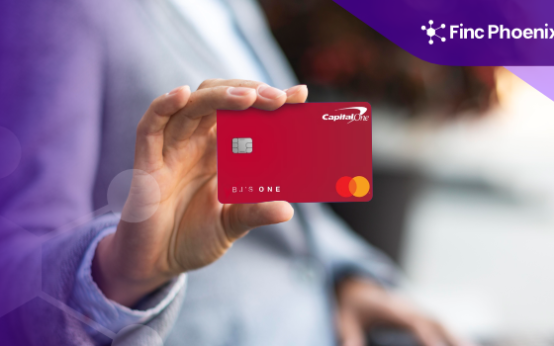 BJ’s One Mastercard Review <p class='sec-title' style='line-height: normal; font-weight: normal;font-size: 16px !important; text-align: left;margin-top: 8px;margin-bottom: 0px !important;'>Earn 3% back at BJ’s & get fuel discounts—plus 1.5% on other purchases, no yearly fee.</p>
  U.S. Bank Altitude Go Secured Visa Review <p class='sec-title' style='line-height: normal; font-weight: normal;font-size: 16px !important; text-align: left;margin-top: 8px;margin-bottom: 0px !important;'>Earn up to 4X points as you rebuild credit—no annual fee & streaming bonus included.</p>
  Upgrade OneCard Review <p class='sec-title' style='line-height: normal; font-weight: normal;font-size: 16px !important; text-align: left;margin-top: 8px;margin-bottom: 0px !important;'>Earn up to 3% cash back, choose Pay Now or Pay Later, no annual fee — one card for all.</p>